 Helm PTZ
Helm for worship
Volunteers welcome.
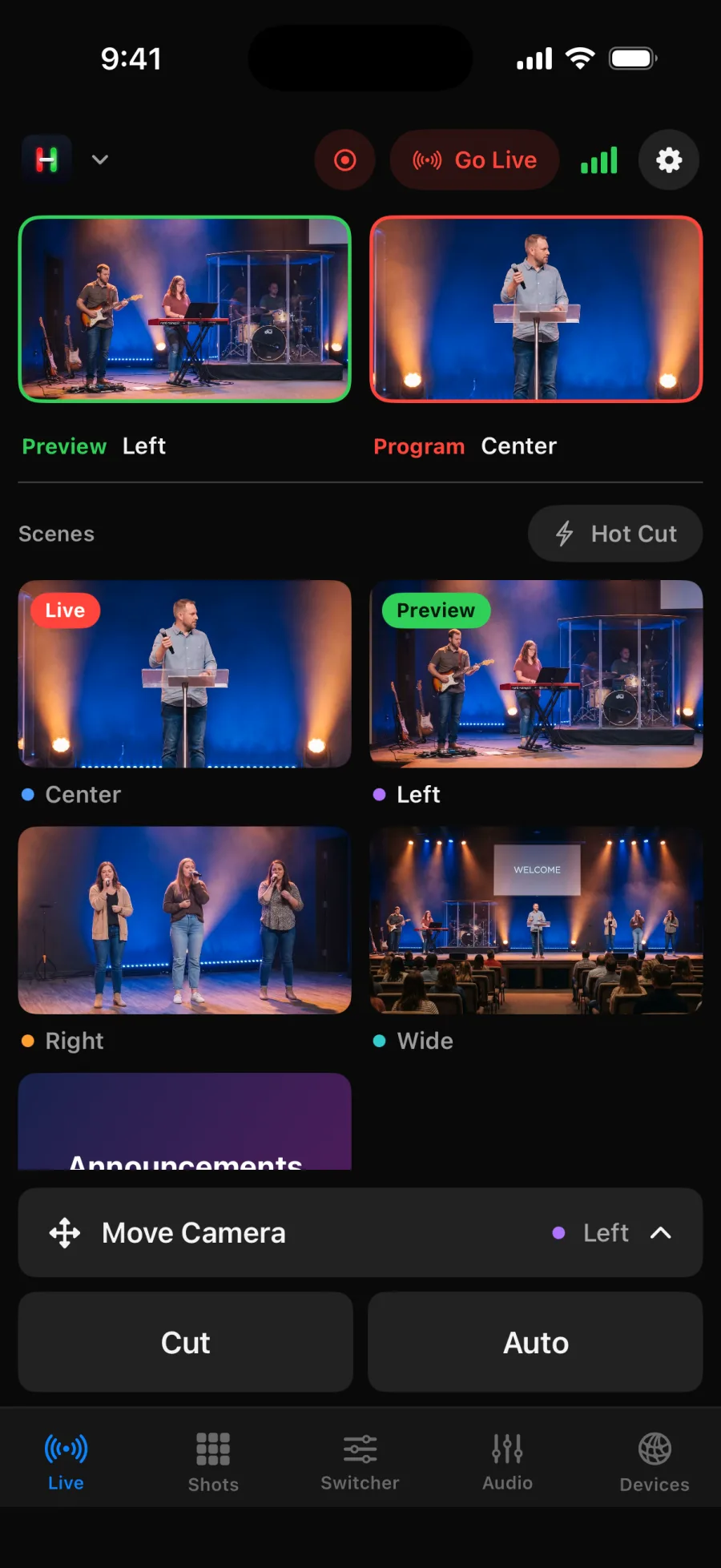
One simple screen for the cameras and the switcher, so anyone on the team can run the stream.
Easy for every volunteer.
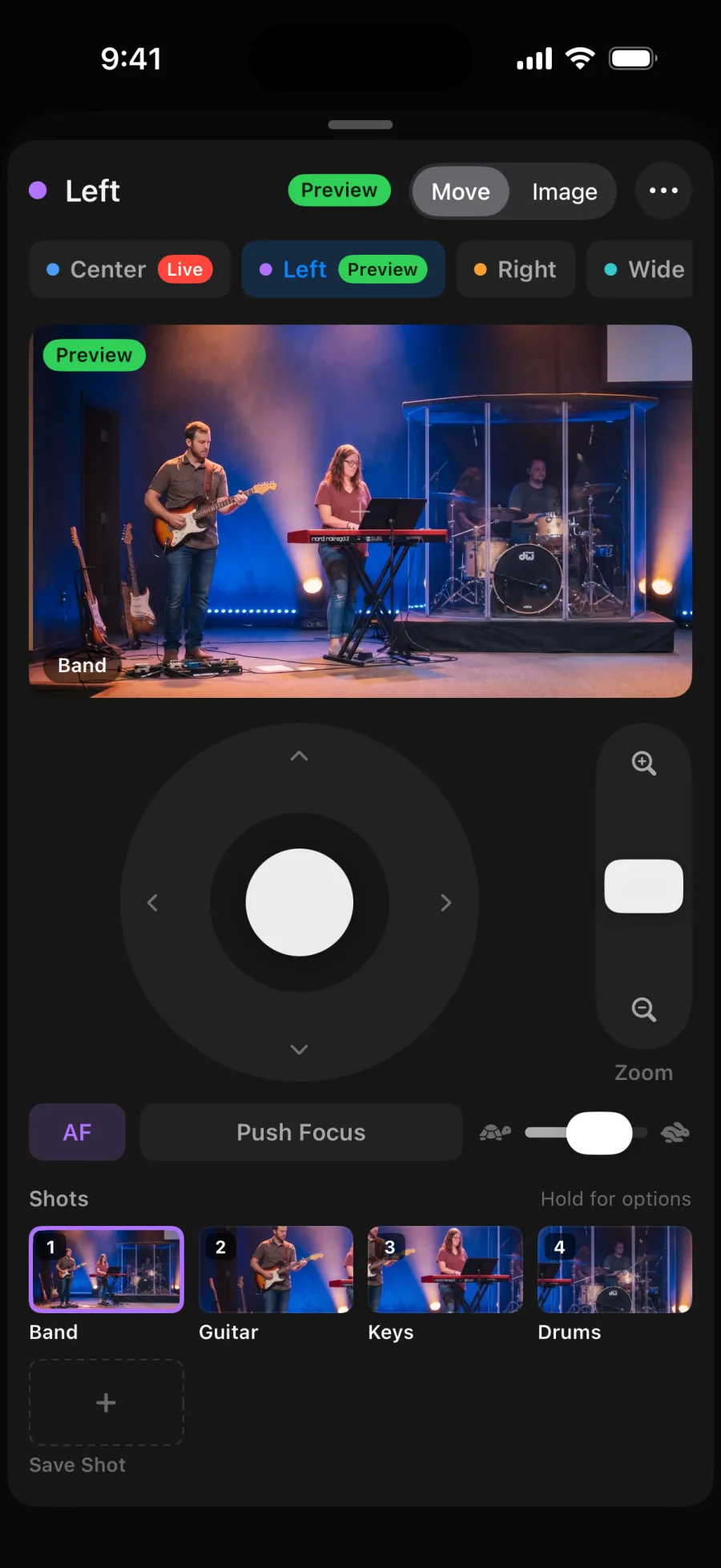
Shots for the whole service.
Worship, the message, readings and the wide room. Saved with a picture and one tap away.
Practice before Sunday.
The built in demo lets volunteers learn every control without touching the real gear.
Every service ready.
Workspaces for Sunday morning, youth night and special services.
Run it from your phone.
Every camera live, with the controls one tap away.
How it works
A Sunday with Helm.
Before service
Open Sunday's Workspace. Cameras and shots are where you left them.
Worship
Tap the band and singer shots, then use Auto for smooth transitions.
Message
Lock live camera keeps the speaker's shot steady while you frame the next one.
After
Stop the stream from the top bar. Next week, it's all still there.
Gear
Works with what you have.
Sanctuary
ATEM Mini with three PTZ cameras
A common church setup. Helm runs the cameras and switcher from one iPad.
Smaller room
OBS with NDI® PTZ cameras
The stream computer runs OBS. Helm switches scenes and moves the cameras.
Helm works with ATEM switchers, OBS Studio, and PTZ cameras that use VISCA over IP, ONVIF, Canon IP control or NDI®. See which cameras work
More ways to use Helm
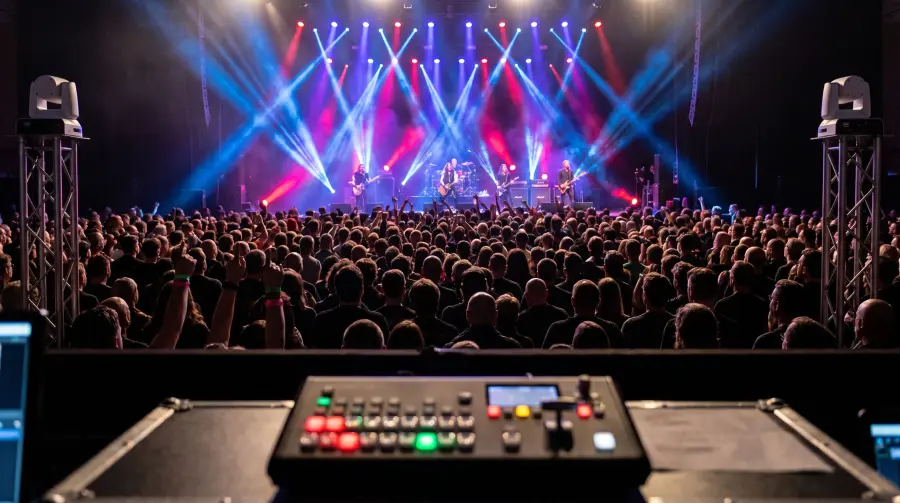
Live events and concerts
Cover the whole show with a small crew.
Learn more ›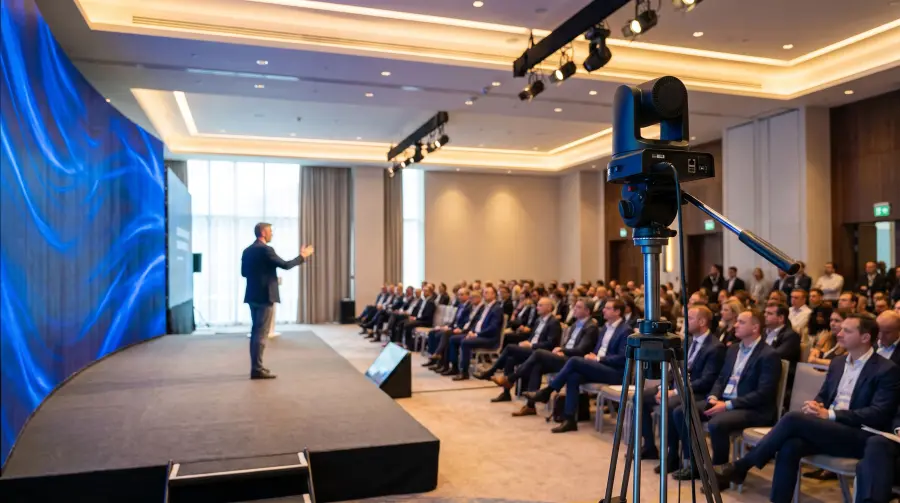
Conferences and corporate events
Keynotes, panels and town halls.
Learn more ›
Schools and universities
Lectures, assemblies and graduations.
Learn more ›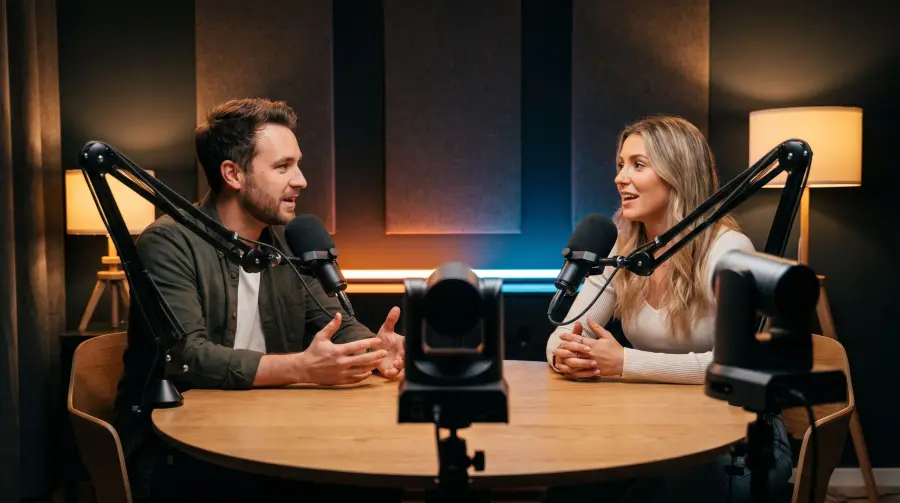
Streaming and podcasts
Run OBS and your cameras from your seat.
Learn more ›
Try it before Sunday.
Open Helm and tap Try Demo. Four cameras and a switcher, no hardware needed.