 Helm PTZ
1
Line it up.
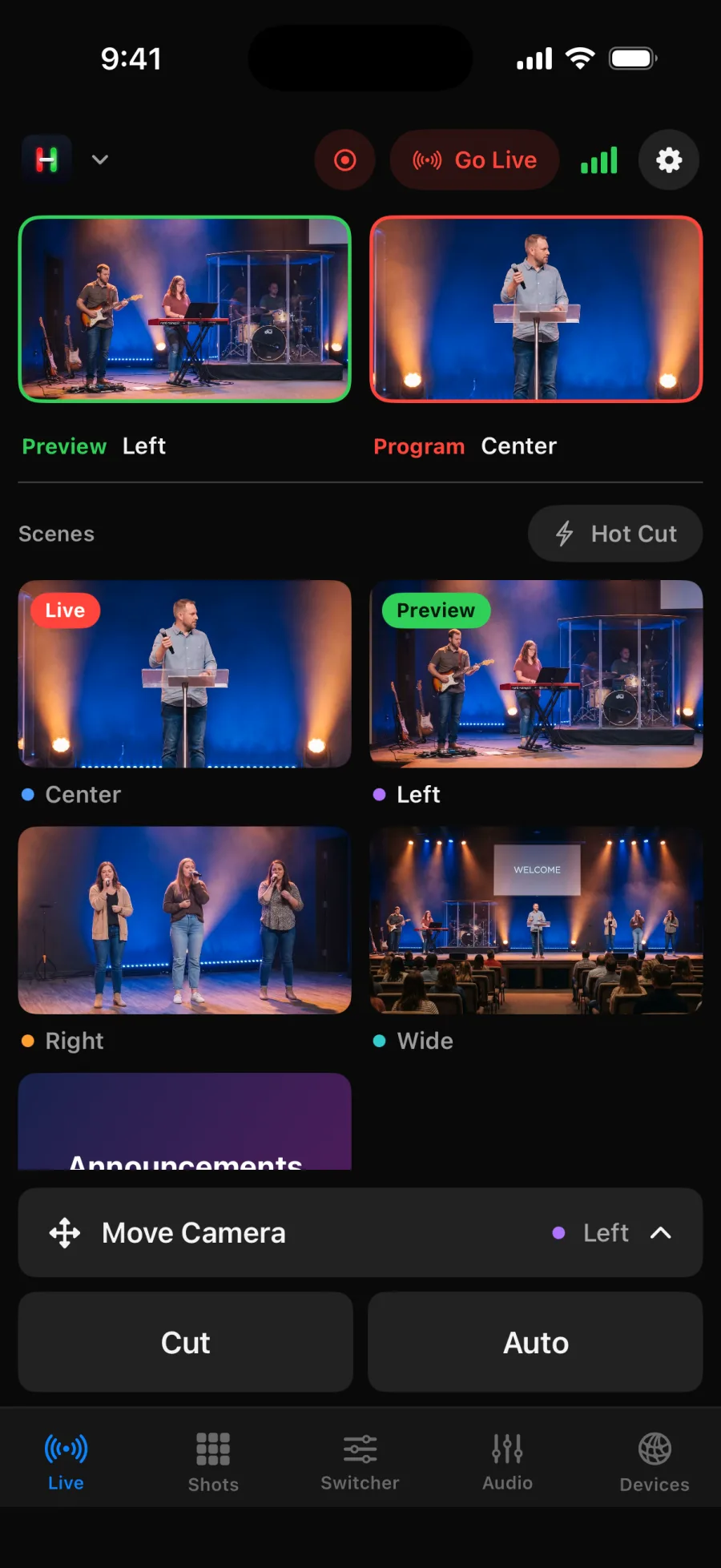
Every camera shows live on its own button. Tap one and it waits in Preview. Cut or Auto takes it to Program.
Helm PTZ
Move PTZ cameras and run your ATEM or OBS switcher from iPhone, iPad and Mac.
Try the built in demo. No hardware needed.
Cameras on one controller. The switcher on another. Helm puts both in your hand, so one person can run the whole show.
Setup
Open Helm and it searches your network for switchers and cameras. Tap to add. No IP addresses to hunt down, no settings to guess.
1
Every camera shows live on its own button. Tap one and it waits in Preview. Cut or Auto takes it to Program.
2
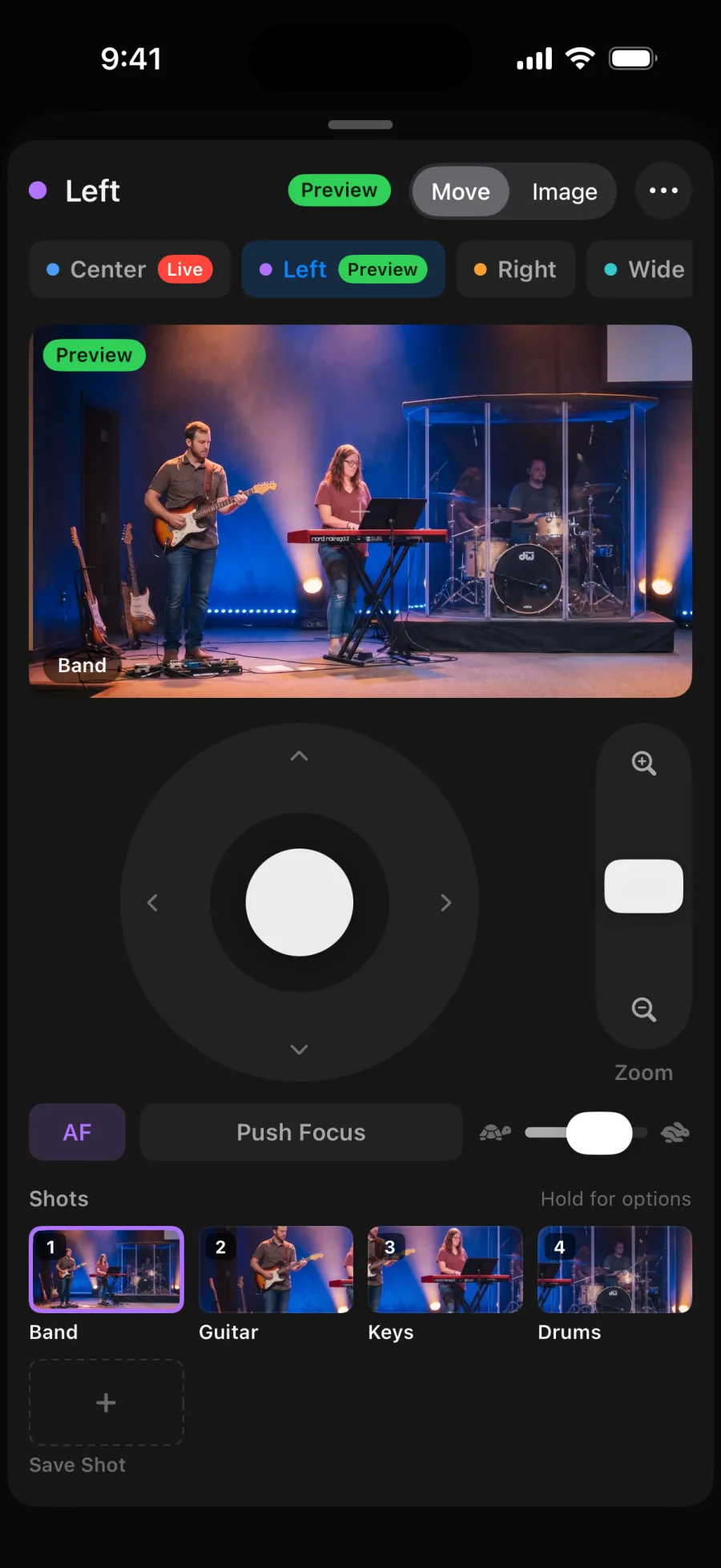
Drag to pan and tilt. Slide to zoom. Push focus when you need it. Save the framing as a shot and get it back in one tap.
3
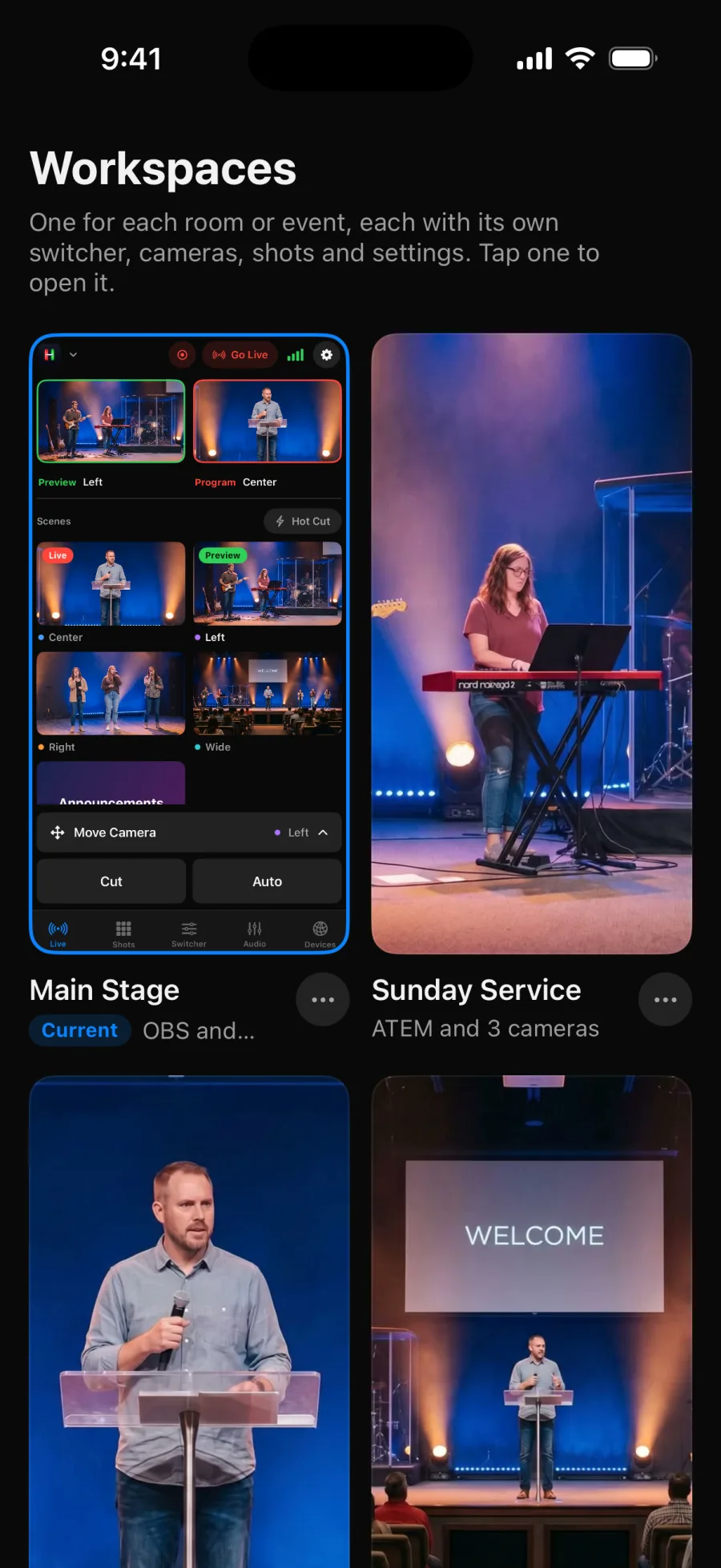
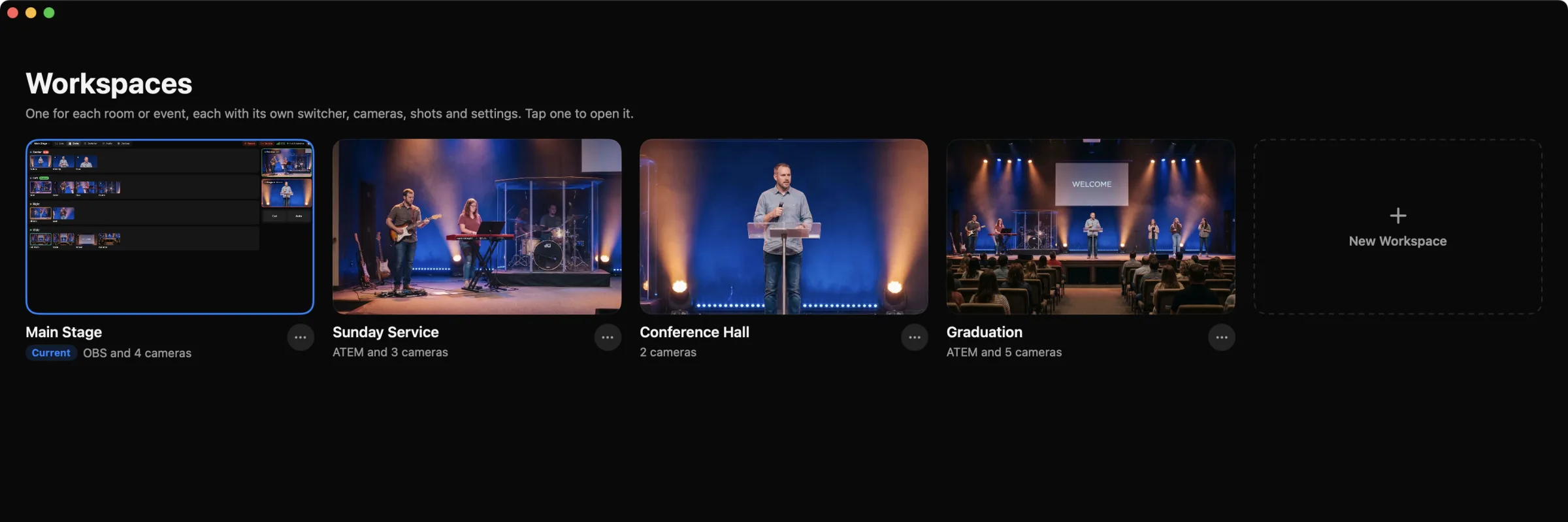
Save each setup as a Workspace. Next week, open it and everything is where you left it.
Shots
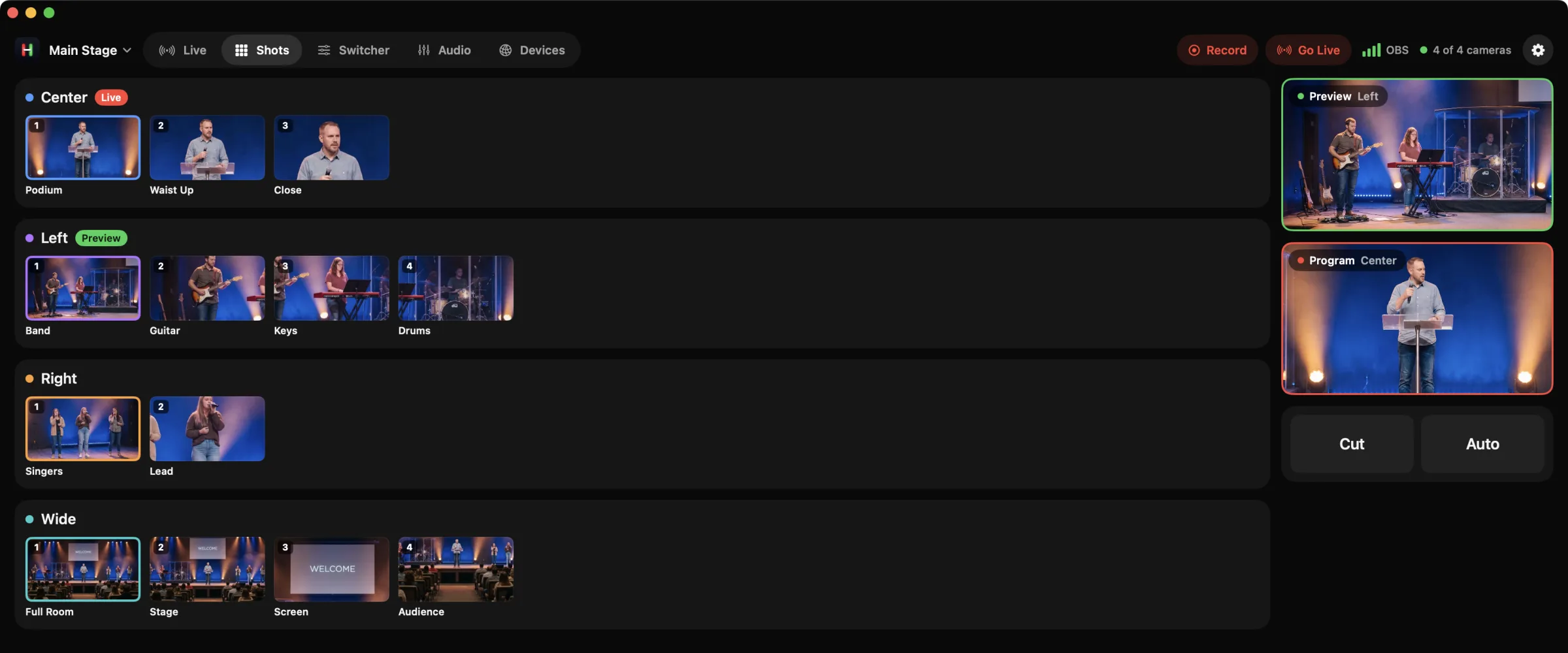
Each saved shot keeps a picture, so you know exactly where the camera will go. Send it to Preview, or take it live on its own.
Switcher
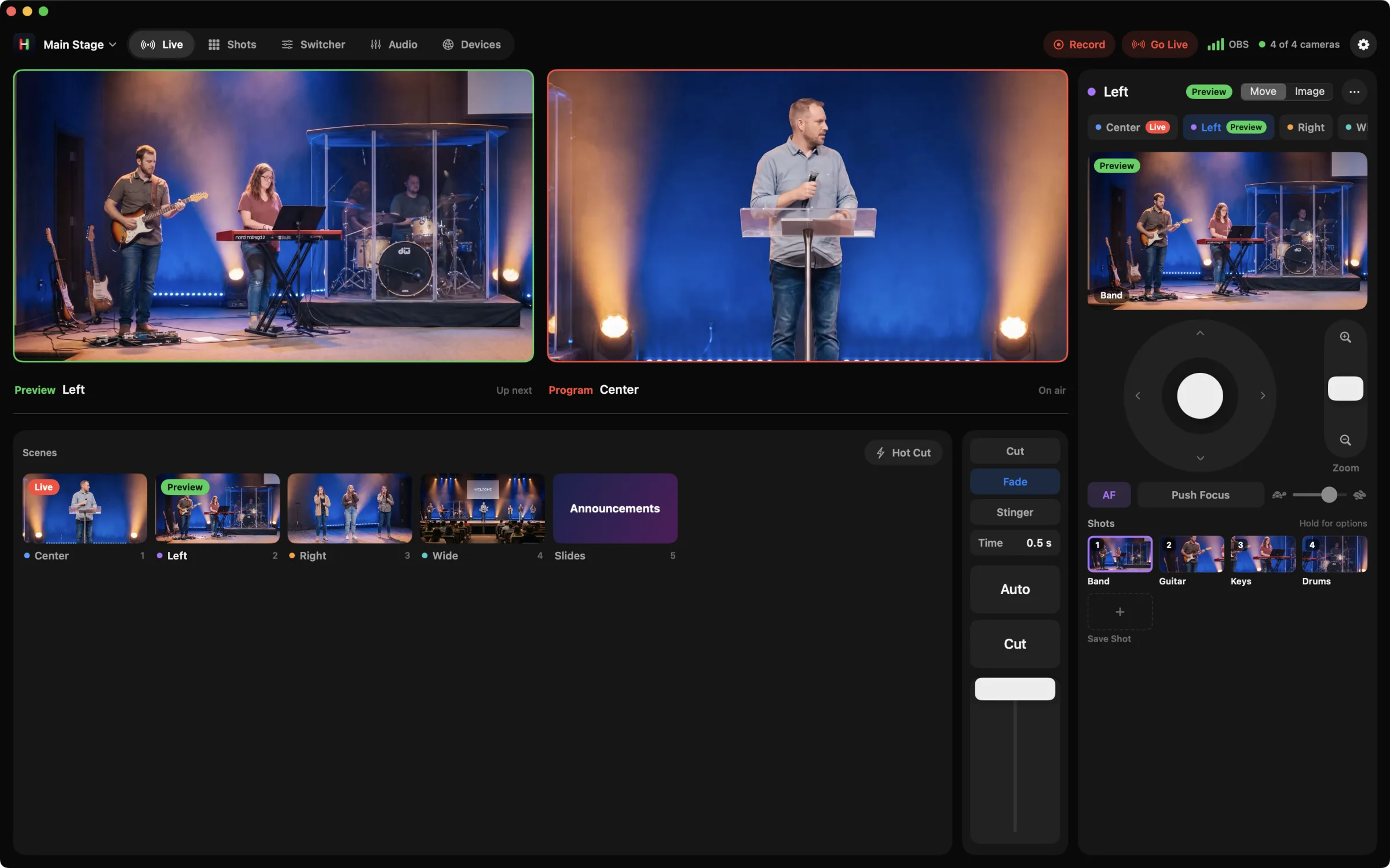
On ATEM: Mix, Dip, Wipe and DVE, keys, downstream keys, macros and Fade to Black. On OBS: scenes and transitions. Go live and record from the top bar.
iPhone, iPad and Mac
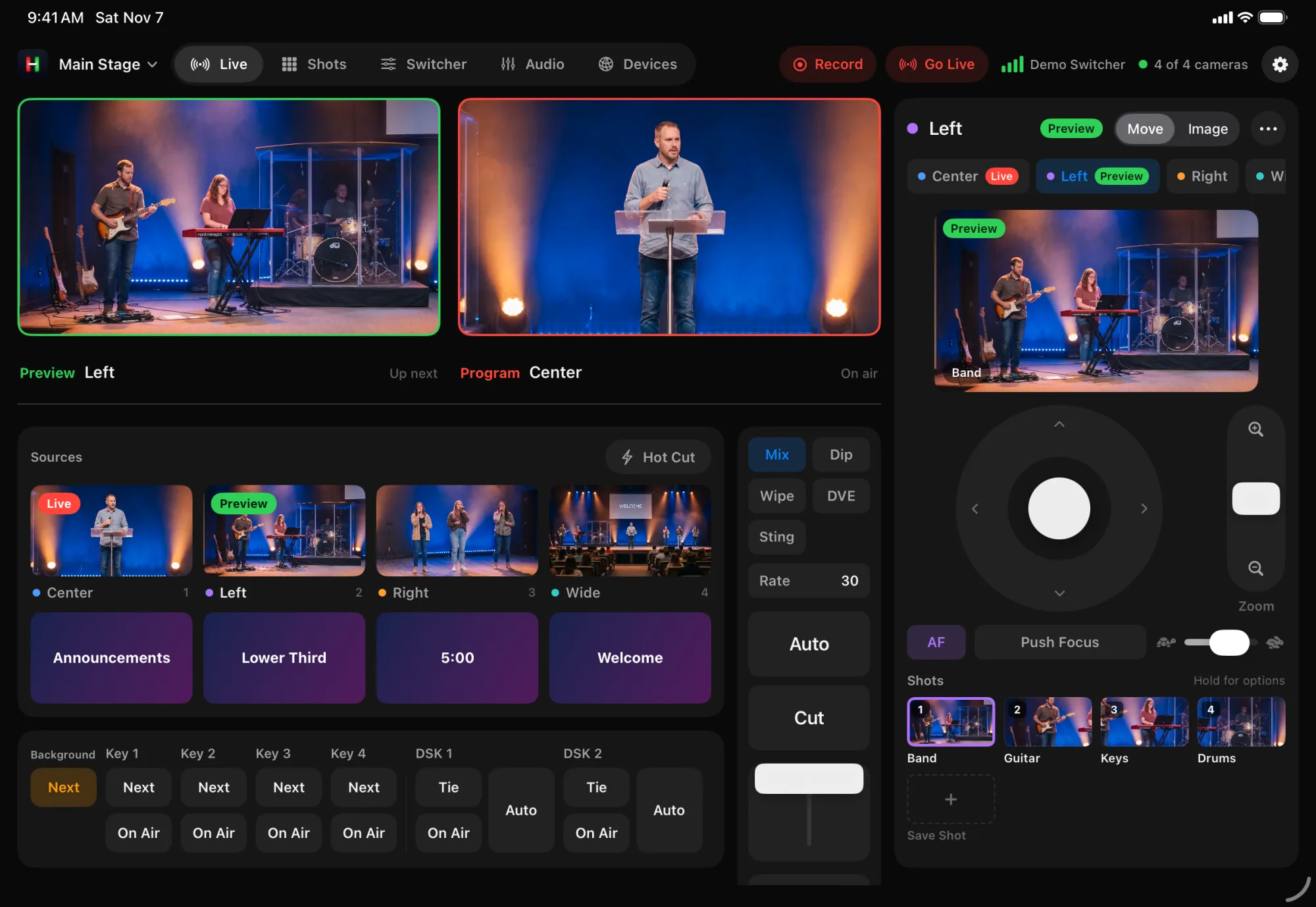
Monitors, sources and camera controls on one screen on iPad and Mac. A focused layout on iPhone that fits one hand.
Portrait layout with a Move Camera bar. iOS 17 or later.
Everything on one screen, in any orientation. iPadOS 17 or later.
A resizable camera panel and full keyboard control. macOS 14 or later.
Workspaces
A concert on Friday, a service on Sunday, a conference across town. Each Workspace keeps its own cameras, switcher and shots. Switch in a tap.
Use cases
Concerts, keynotes, classrooms, studios and Sunday services. If it has PTZ cameras, Helm runs it.
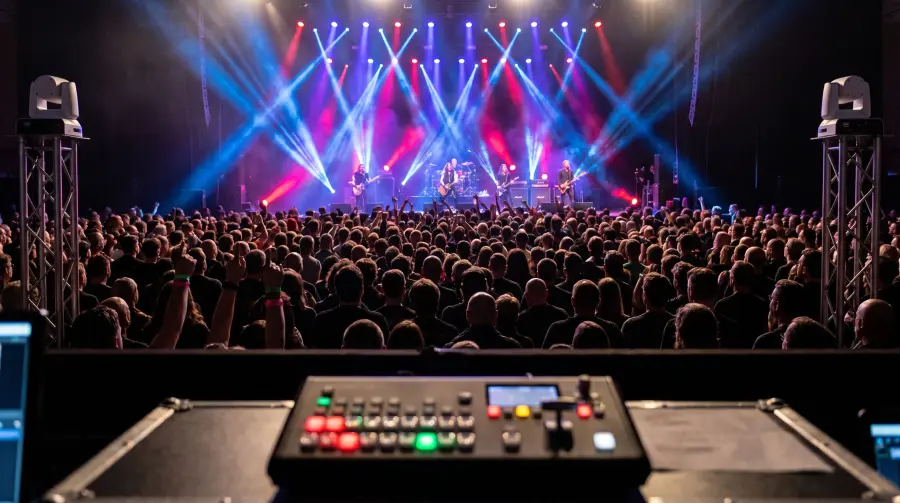
Cover the whole show with a small crew.
Learn more ›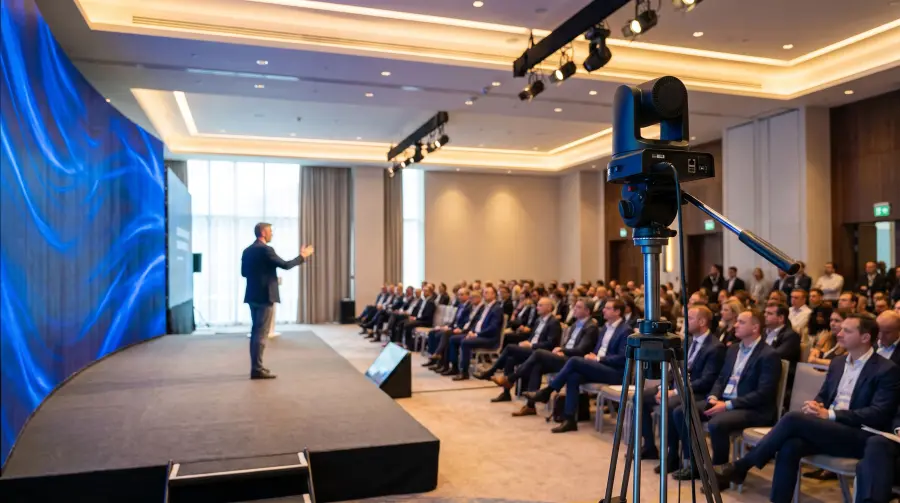
Keynotes, panels and town halls.
Learn more ›
Lectures, assemblies and graduations.
Learn more ›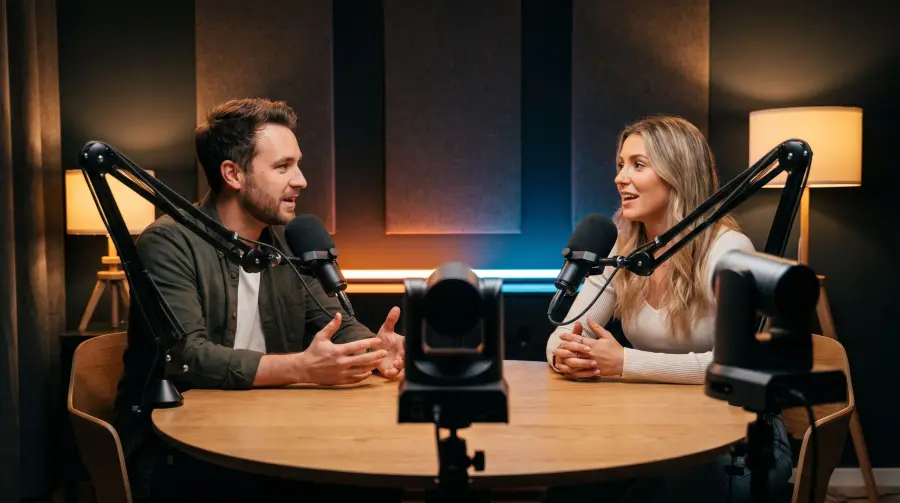
Run OBS and your cameras from your seat.
Learn more ›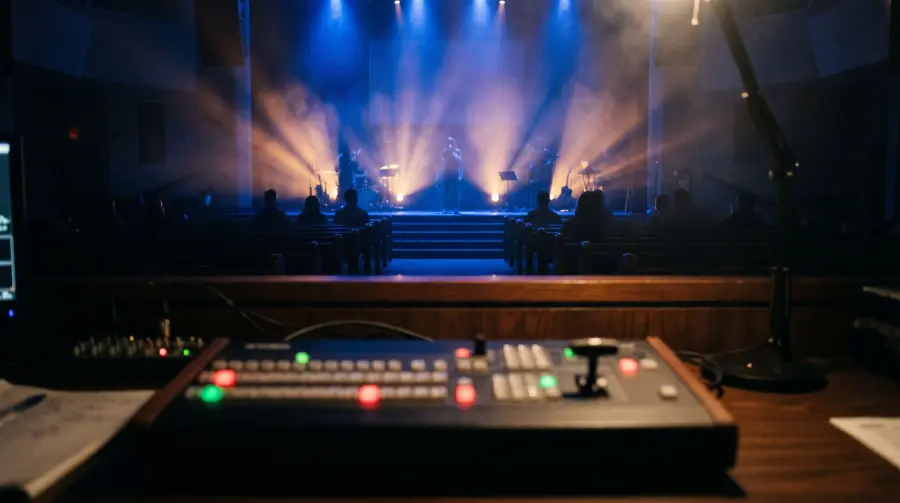
Simple enough for every volunteer.
Learn more ›Video over your network
Helm finds NDI® sources on your network and shows them live. Smooth previews up to 30 frames per second, with tally and camera control over NDI®.
See each NDI® camera right on its button.
Cameras light up red or green as you switch.
Pan, tilt, zoom and focus NDI® PTZ cameras.
NDI® is a registered trademark of Vizrt NDI AB.
Each source shows what it sees, live, so you always know what you are cutting to.
Red is live, green is next. On the screen and on the camera.
The camera on air stays put until you unlock it, and locks again on its own.
Put a camera on Preview and its controls are ready.
Tap a scene and it goes straight to Program.
Number keys pick sources. A game controller pans, tilts, zooms and cuts.
While you stream or record, a Live Activity keeps the timer and what is on air in view.
Mix audio and run ATEM macros without leaving Helm.
The app talks to your gear over your own network. No ads, no tracking, nothing sold. Privacy Policy
Open Helm and tap Try Demo. Four cameras and a switcher, no hardware needed.