 Helm PTZ
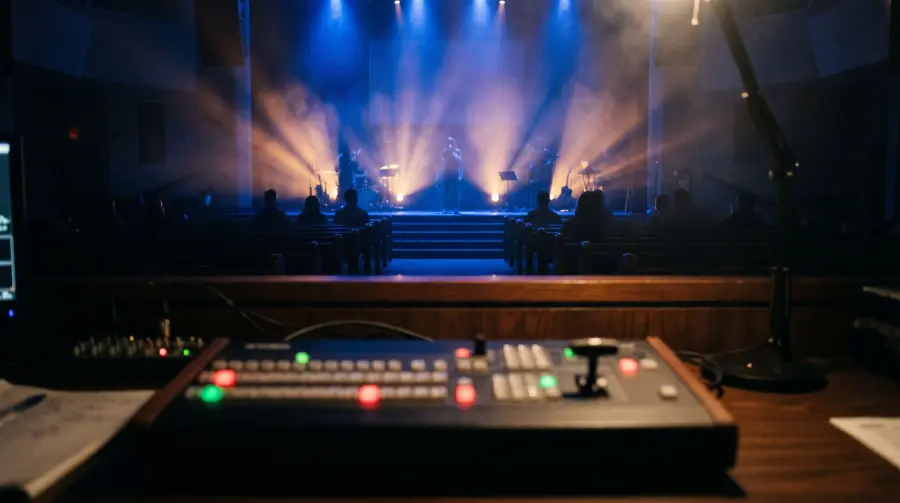
Helm for live events
Every angle.
One pair of hands.
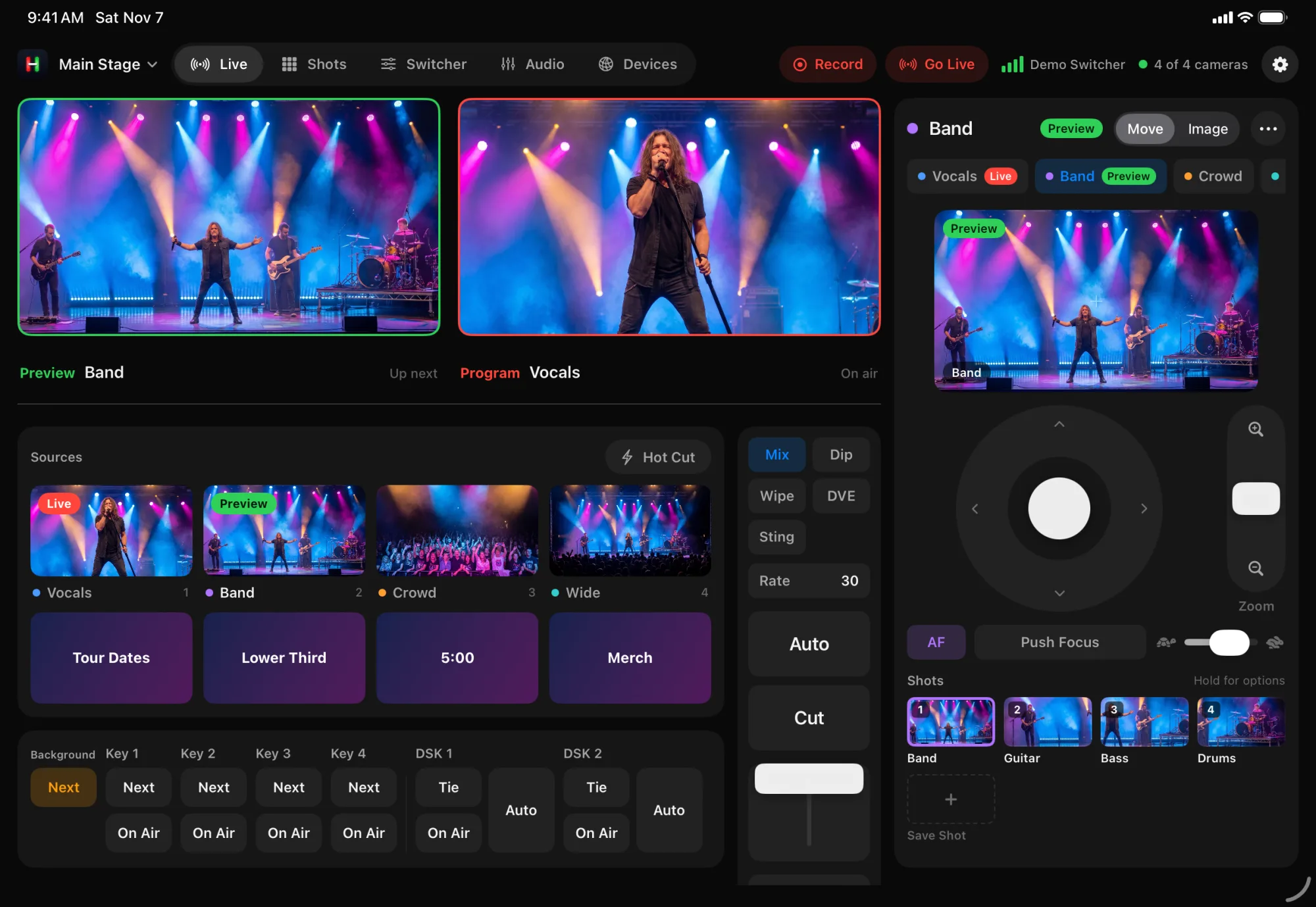
Run the cameras and the switcher from one iPad at front of house, so a small crew can cover the whole show.
Built for the pace of a show.
A shot for every moment.
Save the lead, the drums, the crowd and the wide. Each one is a tap away, with a picture so you know where it goes.
See it before it's live.
Every camera shows live on its button. Line up the next shot in Preview while the current one is on air.
The live camera stays put.
Lock the camera on air so a bumped joystick never ruins the shot.
Everything at front of house.
Monitors, sources, transitions and camera controls on one iPad screen.
How it works
From soundcheck to encore.
Soundcheck
Frame each camera and save shots for every part of the set.
Doors
Pick the opening shot and put it in Preview.
Showtime
Tap a shot, check Preview, then Cut or Auto. Tally tells the stage which camera is live.
Next act
Switch to the next act's Workspace and their shots are ready.
Gear
Works with what you have.
Main stage
ATEM switcher with three to six PTZ cameras
Hardware switching with Helm on an iPad. Keys, transitions and macros all in reach.
Small venue
OBS with NDI® PTZ cameras
One laptop runs the show. Helm switches scenes and shows each camera live.
Helm works with ATEM switchers, OBS Studio, and PTZ cameras that use VISCA over IP, ONVIF, Canon IP control or NDI®. See which cameras work
More ways to use Helm
Try it before showtime.
Open Helm and tap Try Demo. Four cameras and a switcher, no hardware needed.