 Helm PTZ
Helm for education
Every lecture,
ready to stream.
Record and stream classes, assemblies and graduations with PTZ cameras anyone on staff can run.
Simple enough for any classroom.
Shots for the room.
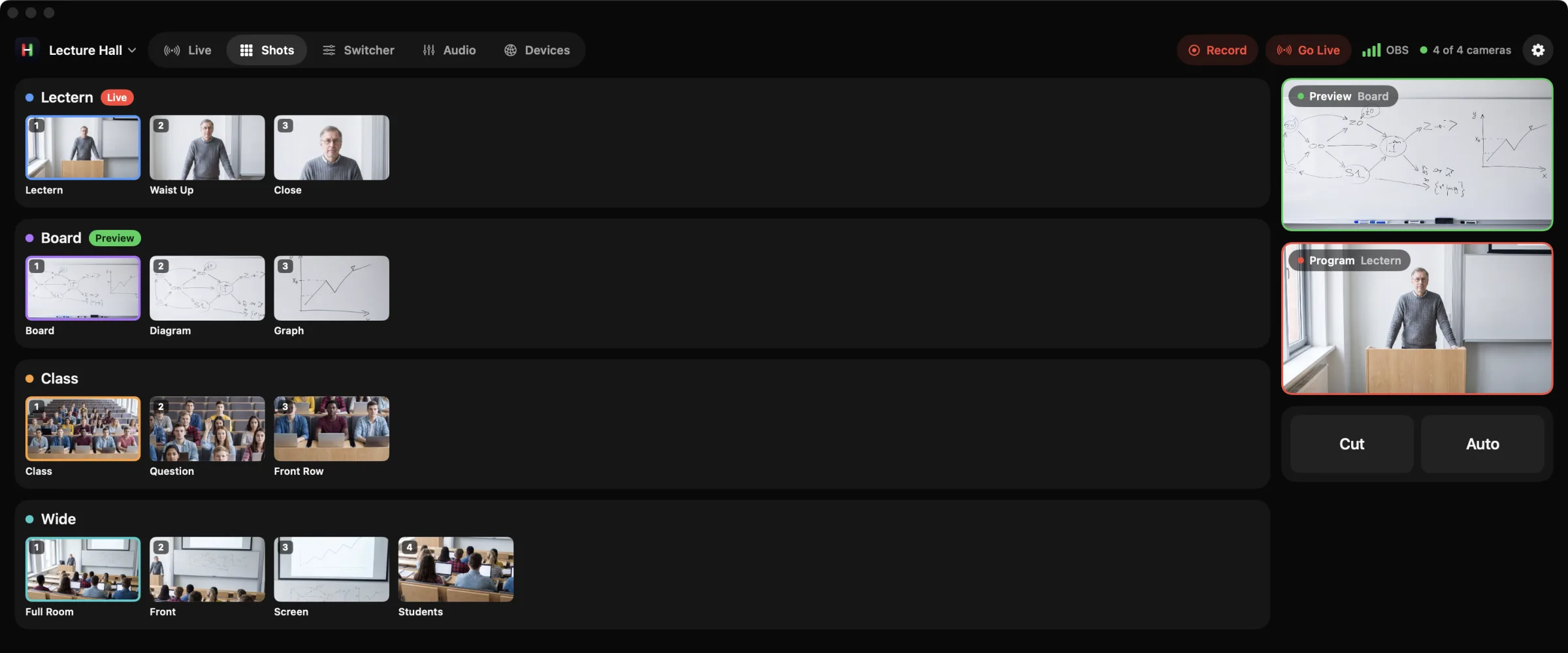
Save the lectern, the board and the whole class. One tap moves the camera.
A Workspace for each space.
Lecture hall, gym, auditorium. Each keeps its own cameras, switcher and shots.
Practice without the gear.
Students and staff learn every control in the built in demo before going live.
Every shot, with a picture.
Saved shots show exactly where each camera will go.
How it works
A class, start to finish.
Set up once
Frame the lectern, the board and the room. Save each one as a shot.
Start class
Open the room's Workspace and start the recording or stream.
Teach
Tap the board shot when the writing starts, then back to the lectern.
Big days
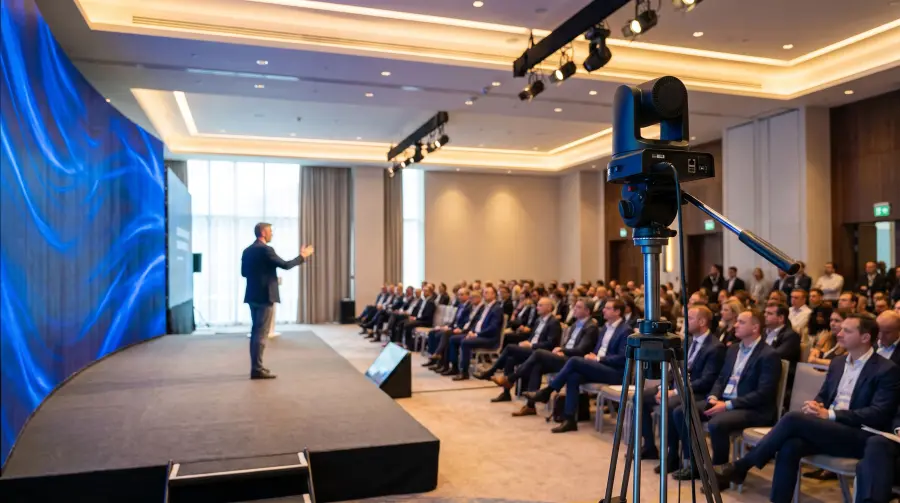
Switch to the auditorium Workspace for assemblies and graduation.
Gear
Works with what you have.
Classroom
OBS with two PTZ cameras
The classroom computer records and streams. Helm on an iPad moves the cameras.
Auditorium
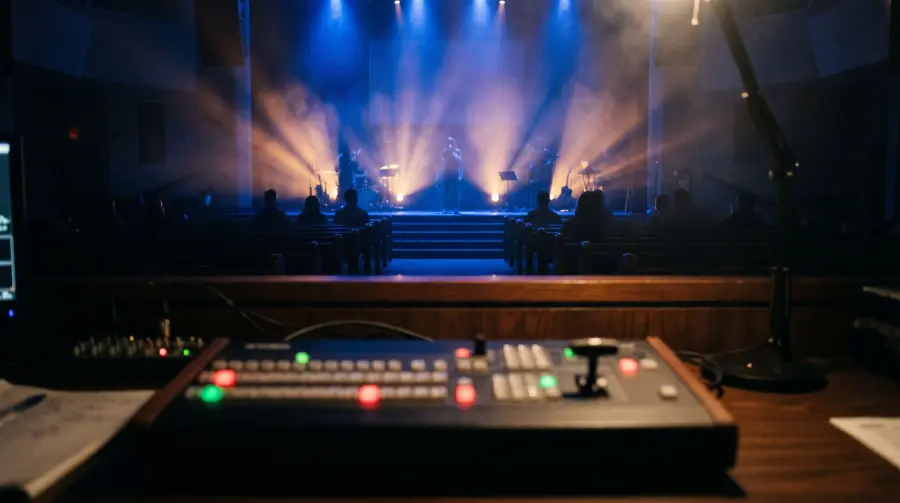
ATEM switcher with three to five PTZ cameras
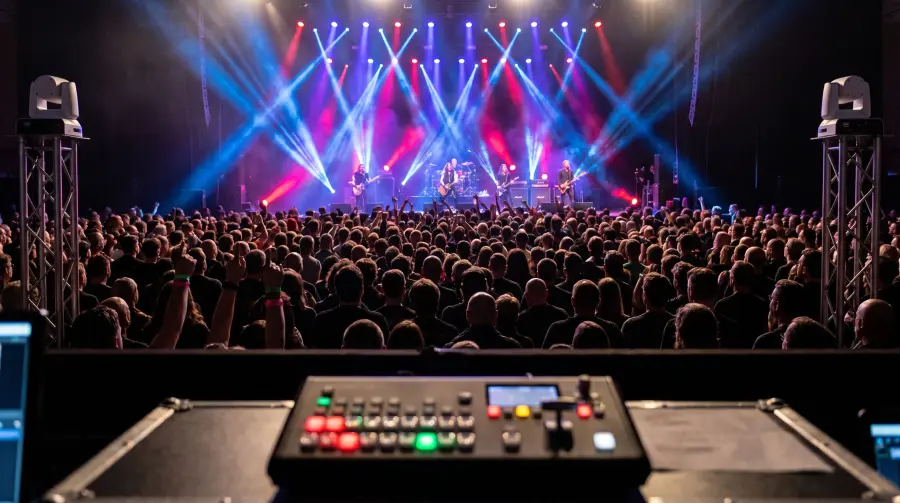
Assemblies, concerts and graduation with hardware switching.
Helm works with ATEM switchers, OBS Studio, and PTZ cameras that use VISCA over IP, ONVIF, Canon IP control or NDI®. See which cameras work
More ways to use Helm

Try it before first period.
Open Helm and tap Try Demo. Four cameras and a switcher, no hardware needed.